Why dictation picks the wrong language, and how to fix it

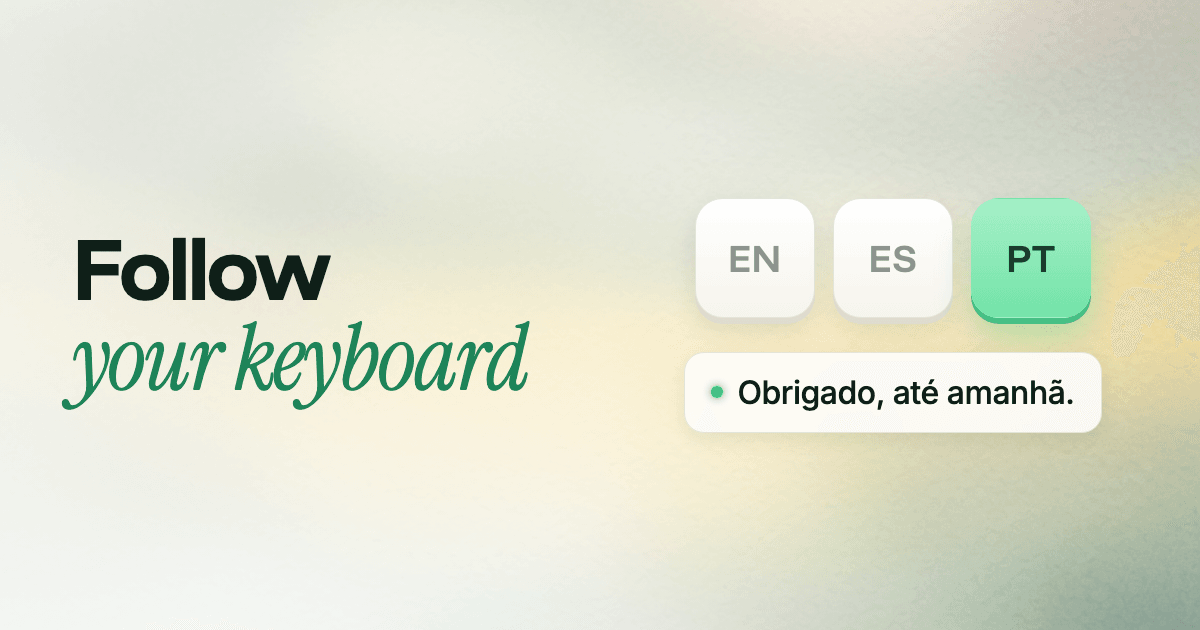
You say “Obrigado, até amanhã” and your dictation types “Obligado, hasta mañana”. Nothing was misheard. It just picked the wrong language.
Follow Keyboard is our fix for people who write in one language at a time. Here’s why the guess goes wrong and why your keyboard gets it right.
Guessing a language is hard
When a speech model has to figure out the language on its own, it listens to the start of your audio and makes a call. Give it a long paragraph and it usually gets it right. Give it “Sounds good, see you then” and it has very little to go on.
Research bears this out. In one study, a system choosing between just eight languages needed about two seconds of speech to get above 70% accuracy.
Some languages make it harder still. Portuguese and Spanish, Czech and Slovak, Bulgarian and Russian: these share a lot of sounds and words, and a few seconds of audio can easily point the wrong way. Accents add to it. Speak English with a strong accent and a model can decide you’re speaking your native language instead.
I know this one firsthand. I speak English and Bulgarian every day, and with Auto Detect my English came back as Bulgarian about half the time. I wasn’t mixing languages. My accent alone was enough to tip the guess.
When the guess is wrong, the result isn’t a typo. It’s your sentence written out in the wrong language, or squeezed into the spelling of another one.
It happens more than you’d think. In OpenAI’s paper on its Whisper speech model, the best version named the right language 80.3% of the time across 82 languages. That’s about one recording in five labeled as the wrong language.
Your keyboard already knows
If you type in more than one language, you already tell your computer which one you’re using: you switch keyboard layouts. Writing to your team in English, you’re on the English layout. Replying to your family in Bulgarian, you switch to Bulgarian first.
Follow Keyboard uses that. Whatever layout is active when you start talking is the language Glazey listens for. There’s no guess left to get wrong.
That’s what fixed it for me. My English stays English, and when I want Bulgarian, I switch the layout first, the same as I would to type. There’s a small bonus too: when Glazey gets a word wrong, I’m already on the right layout to fix it.
One language, nothing to guess
With Follow Keyboard on, Glazey tells the speech model exactly one language and asks it to stay there. That changes a few things:
- Short messages come out right. Three words get the same treatment as three paragraphs, because nothing has to be inferred from them.
- Similar languages stay apart. Portuguese stays Portuguese, even when it sounds a lot like Spanish.
- Your accent doesn’t change the language. The model isn’t deciding which language you sound like, only what you said.
- The cleanup fits the language. Cleanup writes in the transcript’s language, with its own punctuation, dates and greetings. Start from the wrong language and it polishes the wrong thing.
It costs you nothing
There’s no new habit to learn. You switch layouts already, because you need them to type. Glazey simply follows along: change the layout, and the next thing you say is heard in that language. On a Mac that’s your input source (System Settings → Keyboard → Input Sources). On Omarchy it’s your keyboard layout.
The menu shows it right in the label, like Follow Keyboard (Portuguese), so you can glance at it before you speak.
Start with Auto Detect, then decide
Glazey starts out on Auto Detect, and for most people that’s the right place to begin. It listens for every language on your list and works out which one each phrase is in, so it also handles mixing languages in the same breath, like an English phrase in the middle of a German sentence. The list starts as your keyboard layouts, and you can add any of the 100+ languages Glazey supports.
Give it a few days of normal use. If it keeps up, there’s nothing to change. If short messages sometimes come back in the wrong language, or two of your languages keep getting mixed up, that’s your cue to switch to Follow Keyboard. You give up mixing languages within one message, and in return every message lands in the language you meant.
Both live in the same place. Open the Glazey menu, go to Language, and pick Auto Detect or Follow Keyboard. You can switch back any time.
Don’t have Glazey yet? Download it for Mac or install it on Omarchy. Your first 2,000 words every week are free.