Glazey vs Typeless: two AI dictation apps compared

You’ve decided typing is the slow part. You want to talk, and you want clean text to show up wherever your cursor is. Two of the AI dictation apps you’ll find are Glazey and Typeless.
They do the same core job, and they do it in a similar way. So here’s where they actually differ, including the places where Typeless is the better pick.
Prices and plans below are from each product’s pricing page, and Typeless’s in-app notices, as of October 2026.
The short version
Glazey costs less, gives you the same quality on every plan, free included, and lets you shape the output with your own instructions. Typeless runs on more platforms and has more tools for teams.
| Glazey | Typeless | |
|---|---|---|
| Free tier | 2,000 words a week, full quality | 2,000 words a week, “standard accuracy” |
| Cheapest unlimited plan | $6/month (Raw) | $12/month billed yearly |
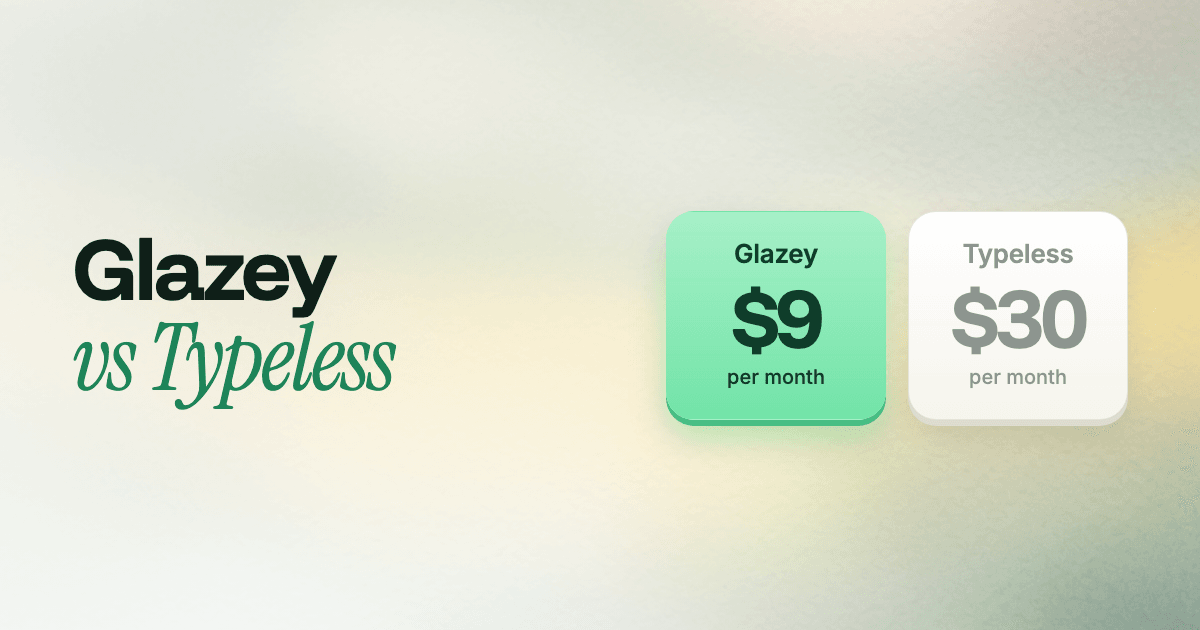
| Full cleanup, billed monthly | $9/month | $30/month |
| Full cleanup, billed yearly | $84/year | $144/year |
| Languages | 100+ | 100+ |
| Custom styles | Characters: your own instructions, up to 2,500 characters | Preset tones, set per app |
| Desktop | macOS, Omarchy (Linux) | macOS, Windows, Linux |
| Mobile | On the way | iOS, Android |
| Team admin, SSO, HIPAA | No | Yes |
Glazey costs a third as much, month to month
Glazey’s Enhanced plan is $9 a month. Typeless Pro is $30 a month unless you pay for a full year upfront. That’s $21 a month less, or $252 a year, for the same kind of work: talk, and get clean text back.
Typeless gets to $12 a month only if you commit to $144 for the year. Glazey’s yearly Enhanced plan is $84, so even on its best deal, Typeless costs $60 more a year.
And if you don’t need the cleanup at all, Glazey has a plan for that. Raw gives you unlimited, word-for-word dictation in 100+ languages, with translation and custom vocabulary, for $6 a month. Typeless has no cheaper tier without the rewriting.
Our free tier is the real product
Both free tiers now give you 2,000 words a week. Typeless used to offer 8,000, and cut it to 2,000 on September 22, 2026, with an in-app notice. Their pricing page no longer shows a number at all, just “limited words”.
The bigger difference is what those words get you. On Typeless, free users get “standard accuracy” and “standard access during high demand”. The better accuracy is a Pro feature.
On Glazey, the free tier runs exactly what paid users get. Raw and Enhanced are both included, with the same models, the same cleanup and your own Characters. 2,000 words a week covers a few days of normal messages, and it’s an honest test of what you’d be paying for. When you hit the cap, you’ve seen the whole product. And the number is right there on our pricing page.
Characters do more than set a tone
A Glazey Character is a set of instructions, in plain words, for how your speech should be written. Typeless gives you tones. Glazey gives you a blank page.
You write a Character once in the web app, then pick it from the menu before you talk. It can be as simple as “casual, keep my words”, which is roughly what a tone does. It can also be a full brief, up to 2,500 characters.
This is also why Glazey doesn’t need a separate voice editing step. On Typeless, you dictate, select the text, then speak a command to shorten it or change the tone. With a Character, the transformation is part of the dictation itself: the text arrives already in the shape you asked for. One step instead of two.
Typeless does one thing here we like: it can switch tone automatically depending on the app you’re in. On Glazey you switch Characters yourself, from the menu. In return, you’re not limited to the handful of tones someone else picked.
Your keyboard picks the language
Both apps support over 100 languages and both can detect the language on their own. The difference shows up with short messages and similar-sounding languages.
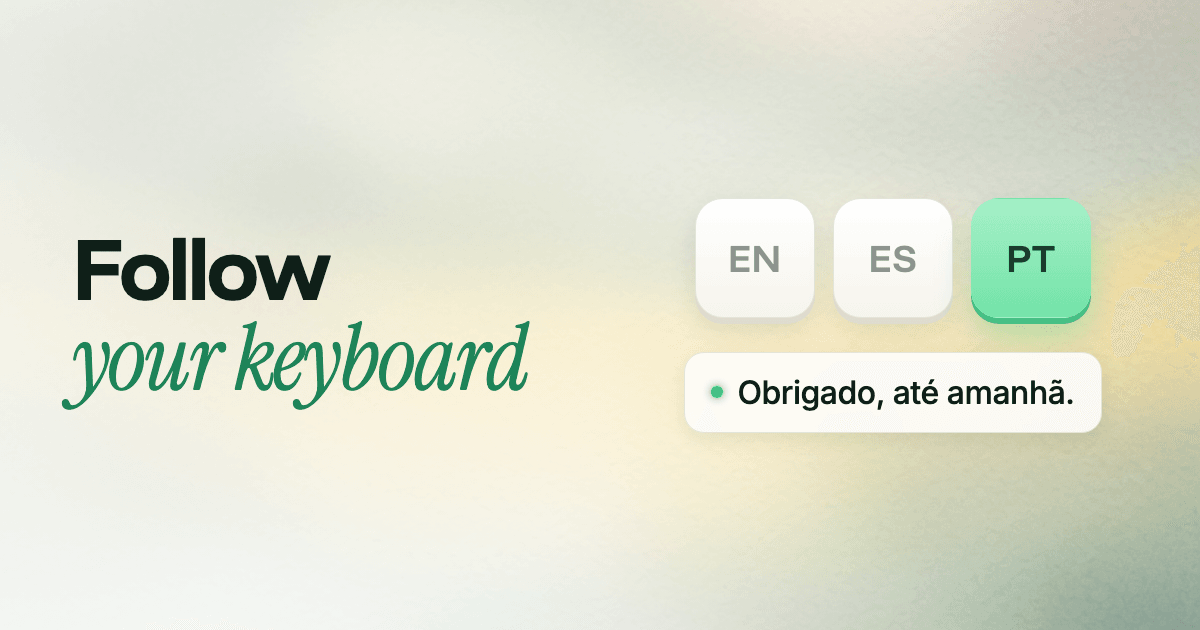
Auto-detecting a language from three words of audio is a guess, and guesses go wrong. Say “Obrigado, até amanhã” and a guesser can hand you “Obligado, hasta mañana”. People with strong accents get hit hardest: their English gets heard as their native language.
Typeless relies on detection. Glazey also gives you Follow Keyboard. If you switch keyboard layouts to type in different languages, Glazey listens in whichever one is active. There’s no guess, so a three-word reply comes out in the language you meant. We wrote up why language detection fails and how this solves it.
You can still use Auto Detect for mixing languages in one sentence. You choose, per situation.
Built for Omarchy, not just ported to Linux
Typeless lists Linux on its pricing page. Glazey built voice dictation for one desktop first: Omarchy.
One command installs it, binds ALT + SPACE, puts an icon in your bar and sets up sign-in. The recording overlay follows your Omarchy theme live. The menu works with vim keys, like the rest of the Omarchy shell. It’s the difference between an app that runs on your desktop and one that feels like it came with it. Here’s the full tour.
Silence never leaves your machine
Both apps send your speech to the cloud for transcription, and both say your recordings aren’t used to train models. Where they differ is what gets sent.
Glazey runs a voice detector on your device. Nothing goes out until it hears you actually speaking, so the silence and room noise before you start stay on your computer. That also matters for accuracy: speech models fed pure silence tend to invent text, like a stray “Thanks for watching”. If Glazey hears no speech at all, it sends nothing and types nothing.
On Mac, Glazey asks for two permissions: the microphone, to hear you, and Accessibility, to type the text into the app you’re in. That’s the full list. Our privacy policy covers what happens to your audio.
Where Typeless is the better pick
We’d rather you pick the right tool than the wrong one. Typeless is ahead in a few places:
- Windows, iPhone and Android. If you need dictation on those today, Typeless has apps and we don’t yet. Glazey runs on Mac and Omarchy, and you can vote for your platform.
- Teams and compliance. Typeless offers team billing, SSO, audit logs and HIPAA controls. Glazey is built for individuals right now.
If none of those are dealbreakers, Glazey is the Typeless alternative that gets you the same clean text for a fraction of the price.
Try both, it’s free
Both have free tiers, so the best test is your own voice in your own apps. Download Glazey for Mac or install it on Omarchy, dictate a few emails and Slack messages, and compare. Your first 2,000 words every week are free, and the pricing page has the rest.