A Wispr Flow alternative for Mac and Linux

Wispr Flow made voice dictation feel normal. You hold a key, talk, and clean text lands in whatever app you’re in. A lot of people found out they’d rather talk than type because of it.
It doesn’t fit everyone, though. Maybe you’re on Linux, you’re paying more than you’d like, or the preset tones don’t sound like you. Here’s how Glazey compares as a Wispr Flow alternative, and when Wispr Flow is still the better choice.
Prices and plans below are from each product’s pricing page as of October 2026.
The short version
As a Wispr Flow alternative, Glazey does the same core job for less, runs on Linux, and lets you write your own styles. Wispr Flow covers more platforms and has more for teams.
| Glazey | Wispr Flow | |
|---|---|---|
| Free tier | 2,000 words a week | 2,000 words a week on desktop, 1,000 on mobile |
| Cheapest unlimited plan | $6/month (Raw) | $12/month billed yearly |
| Full cleanup, billed monthly | $9/month | $15/month |
| Full cleanup, billed yearly | $84/year | $144/year |
| Languages | 100+ | 100+ |
| Custom styles | Characters: your own instructions | Preset tones per app type |
| Desktop | macOS, Omarchy (Linux) | macOS, Windows |
| Mobile | On the way | iOS, Android |
| Team admin, SSO, HIPAA | No | Yes |
The same job for less
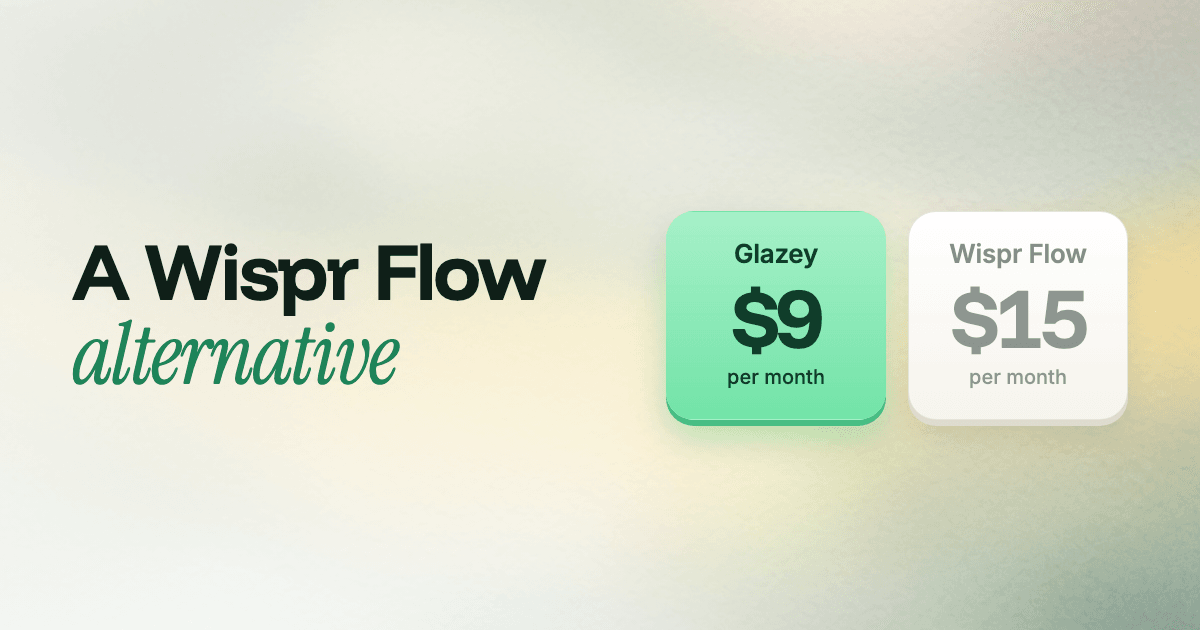
Glazey’s Enhanced plan is $9 a month. Wispr Flow Pro is $15 a month, or $12 a month if you pay $144 for the year upfront. Glazey’s yearly plan is $84, so you save $60 a year on the yearly plans and $72 a year paying monthly.
If you only want a fast, accurate transcript without the rewriting, Glazey’s Raw plan is $6 a month. That’s unlimited words in 100+ languages, with translation and custom vocabulary. Wispr Flow has no plan below Pro.
Both free tiers give you 2,000 words a week on the desktop. On Glazey that includes Raw and Enhanced, so the free tier is the full product, not a preview.
Wispr Flow doesn’t run on Linux. Glazey does.
Wispr Flow has apps for Mac, Windows, iPhone and Android, but not Linux. Its help page on Linux covers terminals on Mac and Windows, not a Linux app. If your desktop runs Linux, it isn’t an option.
Glazey runs natively on Omarchy, the Arch and Hyprland setup from DHH. One command installs it:
curl -fsSL https://glazey.ai/install.sh | bashThe installer binds ALT + SPACE, adds the Glazey icon to your bar and sets up sign-in. Hold the key in a terminal, your editor or a browser, talk, and let go. The overlay follows your Omarchy theme and the menu works with vim keys. Here’s the full tour of Glazey on Omarchy.
Omarchy is the only Linux setup we support so far. If you’re on another distro, vote for it on the wishlist.
Write your own style, not just pick a tone
Wispr Flow gives you preset tones like Formal, Casual and Very casual, and you pick one for each kind of app. Glazey gives you Characters, which are instructions you write yourself in plain words.
A Character can be as simple as “casual, keep my words”. It can also be a full brief, up to 2,500 characters, that turns a spoken ramble into a commit message, a bug report or a reply in your support voice. You write it once in the web app and pick it from the menu before you talk.
That covers most of what voice editing is for. In Wispr Flow you dictate first, then use Command Mode to ask for changes. With a Character, the text arrives already in the shape you wanted. One step instead of two.
Wispr Flow does have one nice touch: it switches tone for you depending on the app. On Glazey you switch Characters yourself.
Wispr tells you to pick your language. Glazey does it for you.
Both apps support 100+ languages and can detect which one you’re speaking. Detection struggles with short messages, accents and languages that sound alike. Wispr Flow’s own homepage recommends choosing only the language you’re currently speaking for better accuracy.
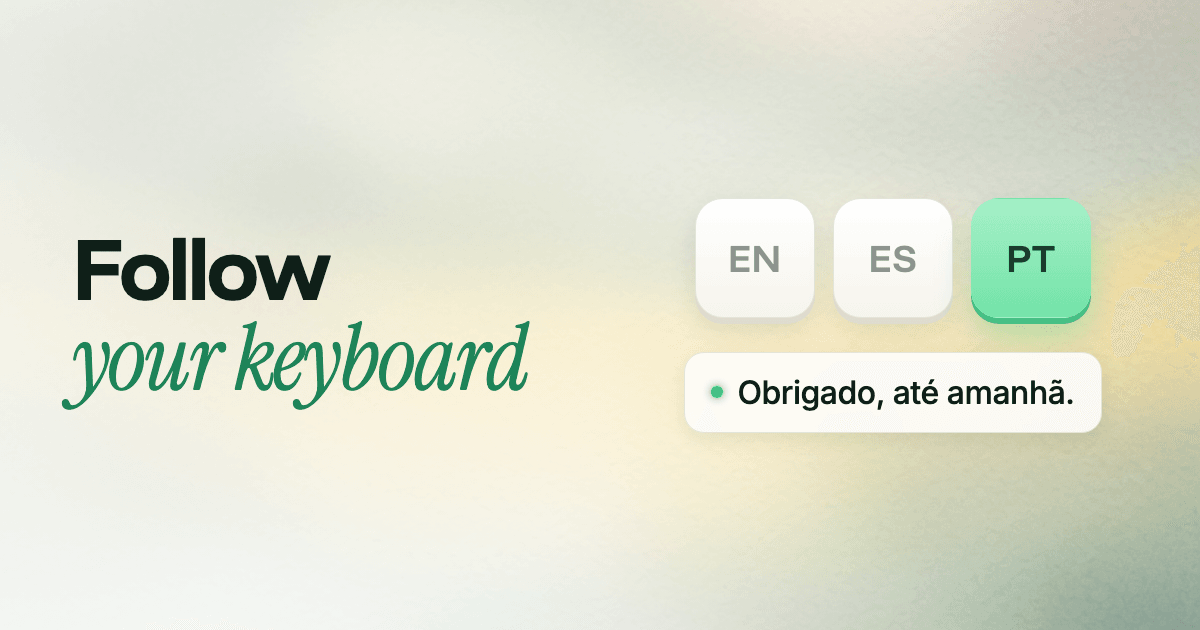
Glazey’s Follow Keyboard does that for you. If you switch keyboard layouts to type in different languages, Glazey listens in whichever one is active. Switch to Portuguese, and “Obrigado, até amanhã” stays Portuguese instead of turning into Spanish. Here’s why language detection fails and how Follow Keyboard fixes it.
If you mix languages within one sentence, Auto Detect is still there.
Your screen stays on your machine
Like Wispr Flow, Glazey sends your voice to the cloud to transcribe and clean it. What it doesn’t send is your screen.
- No screen context goes to the server. On Mac, Glazey reads a little of the text around your cursor so a dictated phrase doesn’t start with a capital letter in the middle of a sentence. That check happens on your Mac, after the text comes back.
- Silence never leaves your computer. A voice detector runs on your device, so nothing is sent until you actually speak. If it hears no speech, it sends nothing and types nothing.
- Two permissions on Mac. The microphone, to hear you, and Accessibility, to type into the app you’re in.
Our privacy policy covers what happens to your audio, and we don’t train models on it.
When Wispr Flow is still the better pick
Some people should stay with Wispr Flow:
- You need Windows, iPhone or Android today. Glazey runs on Mac and Omarchy for now.
- You’re rolling it out to a company. Wispr Flow has SSO, a signed HIPAA BAA, admin controls and a shared team dictionary. Glazey is built for individuals right now.
- You want meeting notes. Wispr Flow has a notetaker. Glazey sticks to dictation.
Try Glazey free
The fastest way to compare two dictation apps is to dictate your own emails and messages with both. Download Glazey for Mac or install it on Omarchy. Your first 2,000 words every week are free, and the pricing page has the rest.
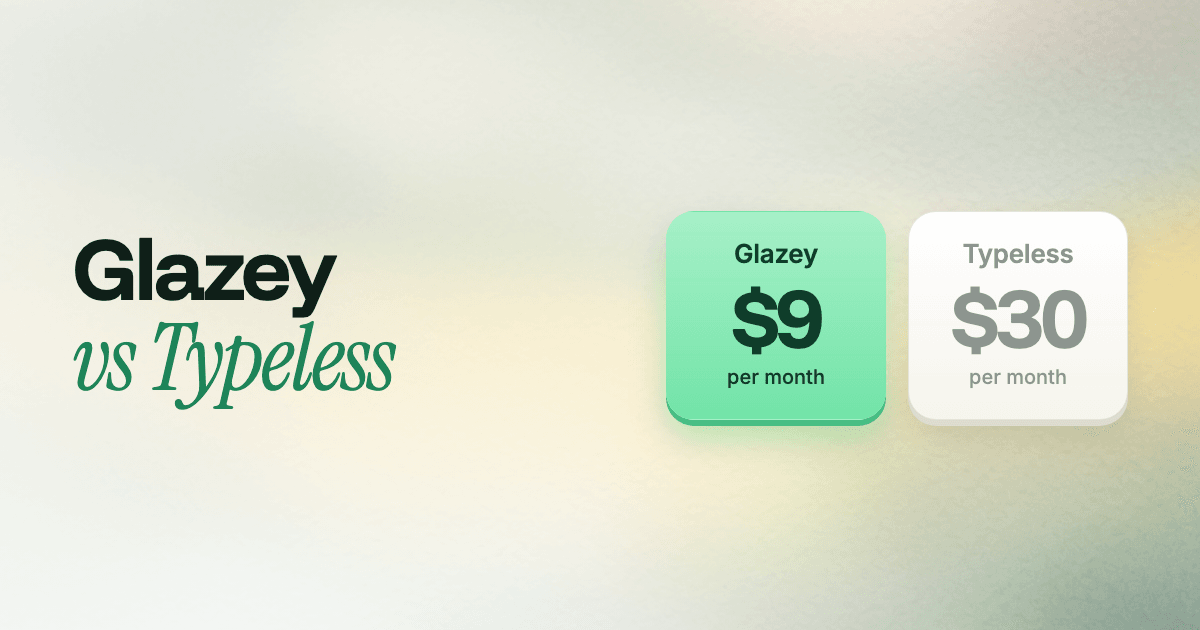
Comparing more than one dictation app? We also wrote up Glazey vs Typeless.